The page you are looking for is not available right now due to an error or maintenance. This may be a temporary error, please check back soon, or use the search box below to make another query, or navigate the pages, or





-
Where is task manager on my android?
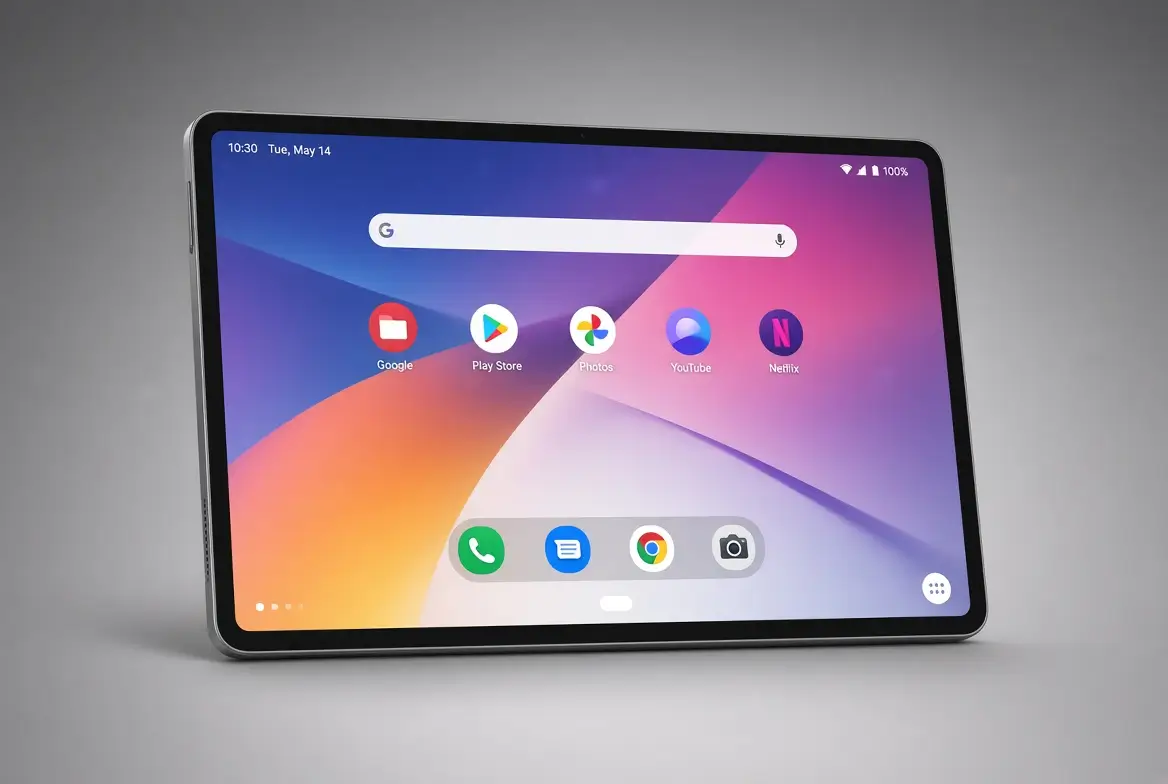
On Android devices, the equivalent of the Task Manager is called the “Recent Apps,” “Overview” screen, or the “App Switcher.” It allows you to view and manage your recently opened apps. Here’s how to access it: For devices with a physical or on-screen navigation bar: or, For devices with gesture-based navigation: Once you’ve accessed the “Recent Apps”…
-
What apps use the most data on android?
In the age of smartphones, where applications (apps) play a significant role in our daily lives, data consumption is a growing concern for many users. This article identifies some of the most data-intensive Android apps. It discusses their data usage patterns, features that contribute to data consumption, and tips to manage and minimize data usage.…
-
6 Best Barcode Scanner Apps for Android
Barcode scanners work by reading the pattern of bars and spaces on a barcode, which represents a unique set of data, such as a product identifier, a serial number, or other information. The scanning process involves three main components: illumination, sensor, and decoder. Here are some of the best barcode scanner apps for Android: Overall,…